
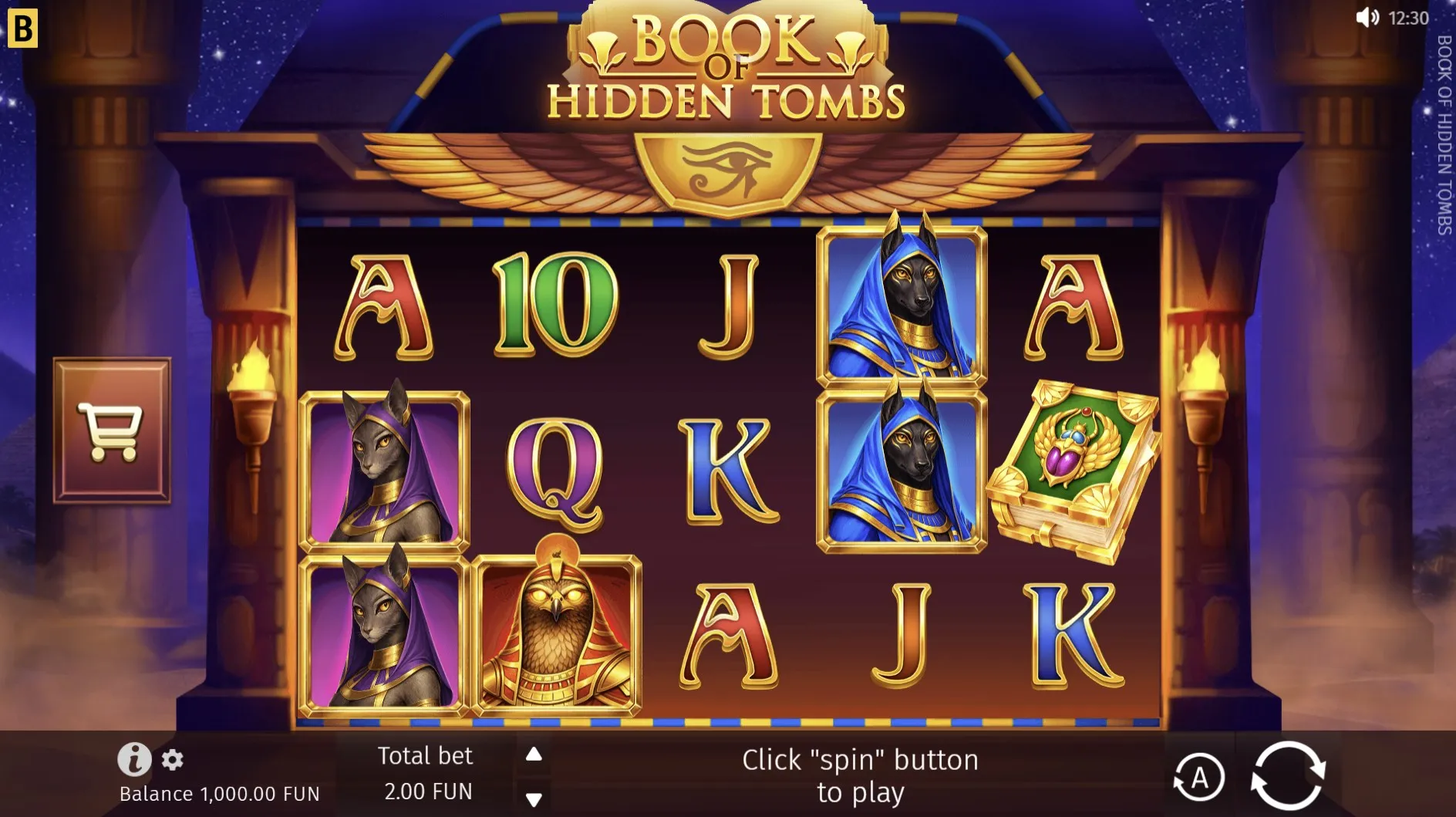
Two parts of one screen
You return to a game page and the cookie banner stays closed, but the game looks new. That can feel contradictory until you separate the two parts of the screen. The surrounding website handles its own controls, while an embedded game loads inside the page. Browser game progress needs that distinction: remembering a site preference does not prove that a round was saved.
The supplied pages for Piggy Power, 3 Pirate Barrels and Paddy Star load their games from another web address inside a frame. The site also has local browser storage for its own features. Those facts do not establish how an embedded provider restores a session. As of September 17, 2026, a promise of cross-device recovery would require information beyond those page details.
Keep the observations separate
| Observation | What it supports |
|---|---|
| Cookie choice remains | The site can still read that preference. |
| Game returns to its opening screen | The game is showing its opening state. |
| A balance looks different | The displayed number changed; its cause needs checking. |
It is tempting to turn the last observation into an explanation immediately. Yet a changed display might involve a different game, a new session or a loading problem. The screen alone does not tell you which. Note the exact title and unit before comparing numbers. The homepage calls its virtual points Prime Points, so a different label should be recorded rather than silently treated as equivalent.
Return before resetting
Start with a pause when a phone wakes or a browser tab becomes active again. Read any message that is already visible and allow the game to finish loading. Repeated taps can make the sequence harder to describe, especially if a control becomes active partway through. Checking browser game progress is easier when you observe one change at a time and keep the original tab available.
- Confirm the game title and the address of the surrounding page.
- Read the current message, balance label and available controls.
- Check whether you are using the same browser profile as before.
- Record the difference before choosing a reload or another action.
Clearing site data is not a neutral first step. It can remove locally stored preferences and records, which may leave less information to compare. Likewise, moving to another browser is useful for describing a display issue but does not prove that a previous session should follow you there. A private window can also have a separate storage context from your regular browsing.
If the game occupies only part of a small screen, check that its message is not simply below the visible area. Browser zoom, orientation and full-screen mode can change what is easy to see. They should not be treated as recovery tools for a missing result. Make a visual adjustment only when needed, then read the screen again before assuming that browser game progress has changed.
Describe what changed
A useful report says what you saw before and after the interruption. Include the page address, game title, browser and device, along with the approximate time and any visible message. Avoid calling a number lost money when the site describes virtual play without cash value. Precise wording gives a support reader something to investigate without making an unsupported claim about the cause.
- Quote the balance unit exactly as it appears.
- Distinguish a blank frame from a game showing an opening screen.
- Say whether you refreshed, changed profiles or cleared site data.
For questions about an unfamiliar result, the article on bonus labels explains what to read before drawing a conclusion. If an interruption ends the mood for playing, choosing a game by attention offers another perspective. Returning to a tab does not create an obligation to continue the evening’s activity.
Author’s opinion
I favour a short record over a chain of hurried fixes. For browser game progress, knowing which screen changed is often the most useful first answer. I would keep the title, message and unit together, then stop if the explanation remains uncertain. A remembered preference is convenient, but I would never use it as evidence that every part of a game session has been preserved.